Safety margin:
why text stays 4 mm inside.
The same piece, the same trim. Once with text tight to the edge and once with text 4 mm inside the trim line.
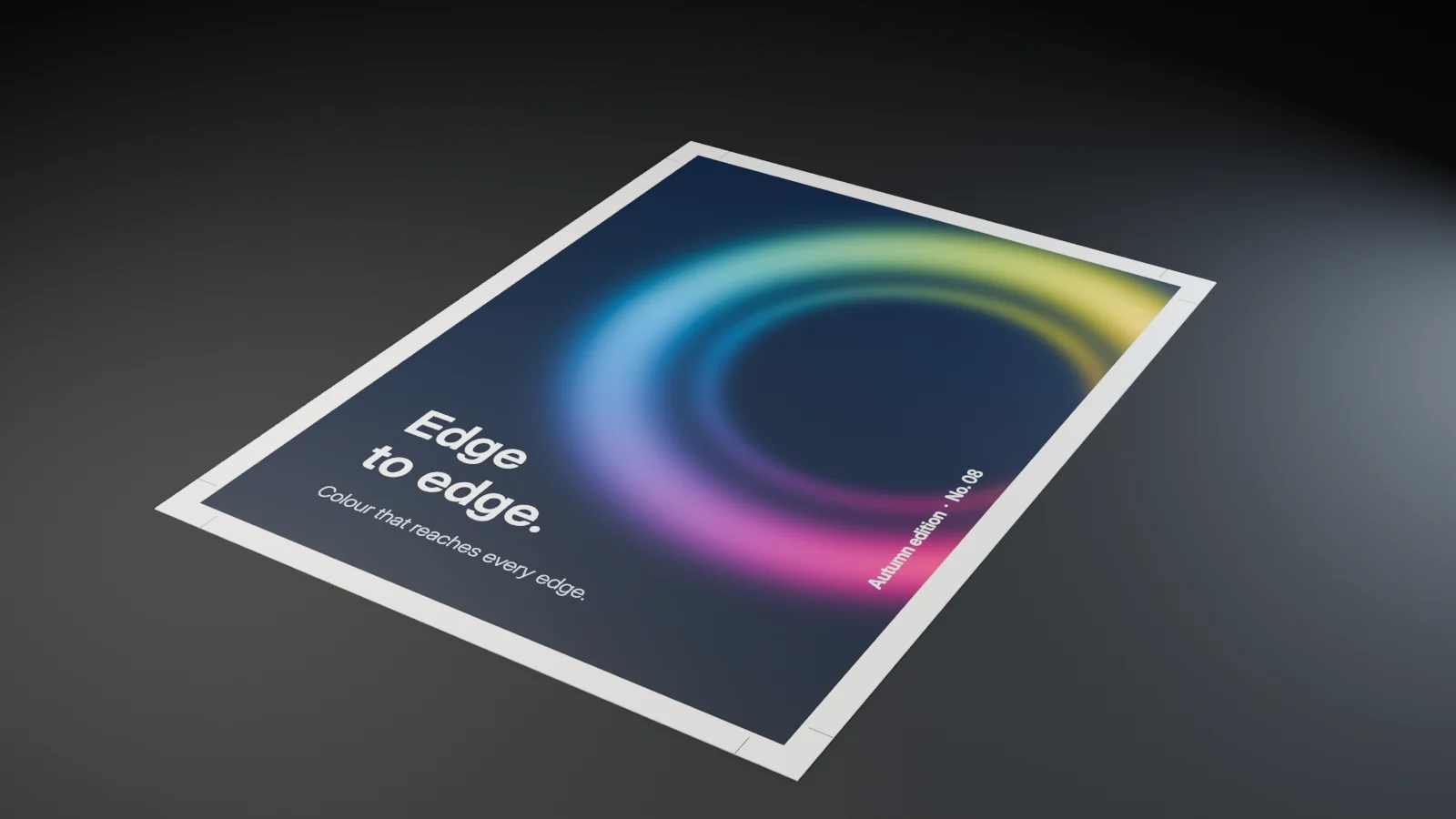
Distance from the edge decides the result.
The sheet is trimmed after printing
Every piece is printed on a larger sheet and trimmed to its finished size. The trim line is set by the crop marks.
Every trim has a tolerance
Trimming is accurate to a fraction of a millimetre. That small, normal tolerance can also fall towards the inside of the piece.
Text at the edge
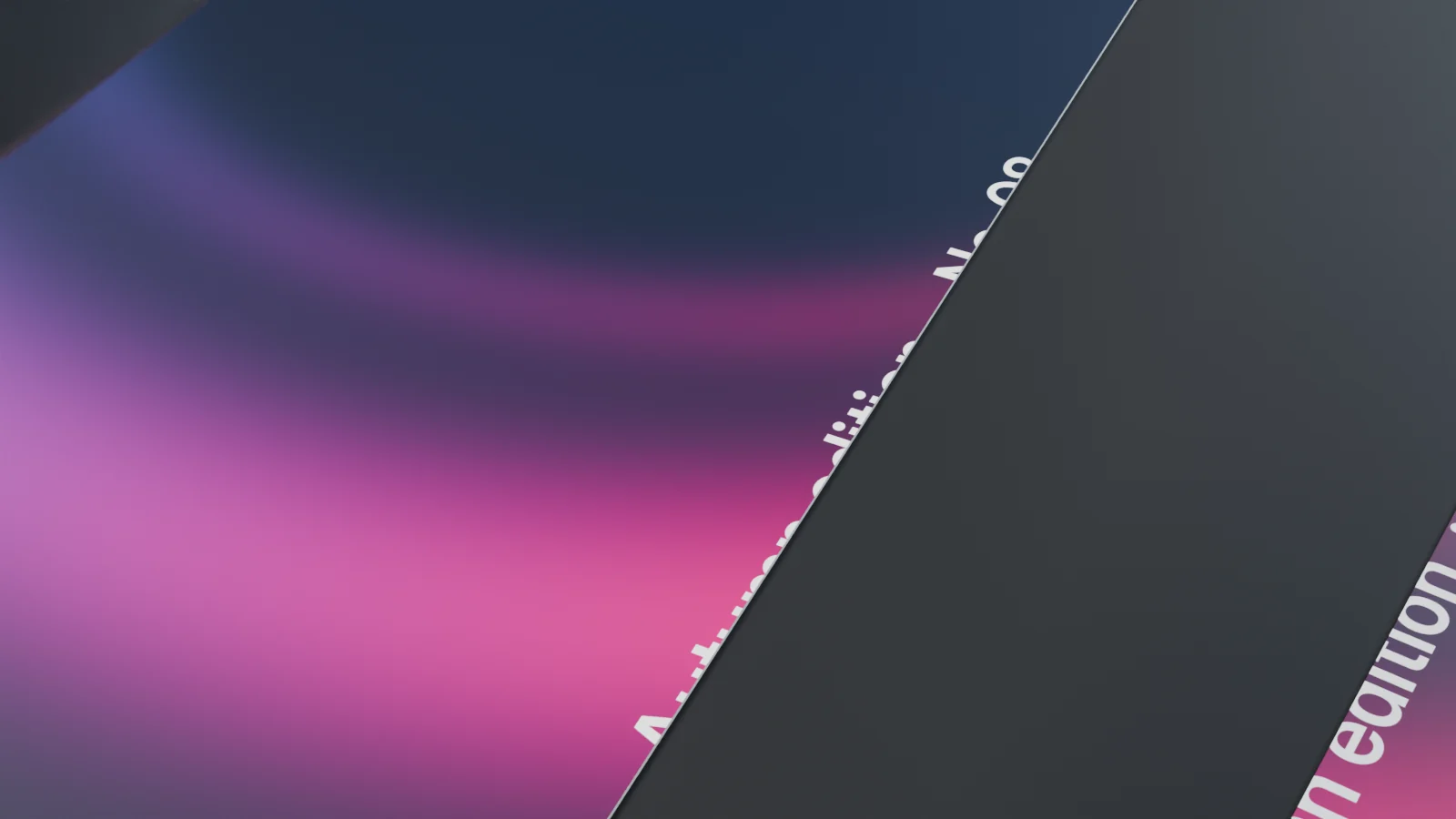
When text runs almost to the trim line, the slightest deviation can cut into the letters.
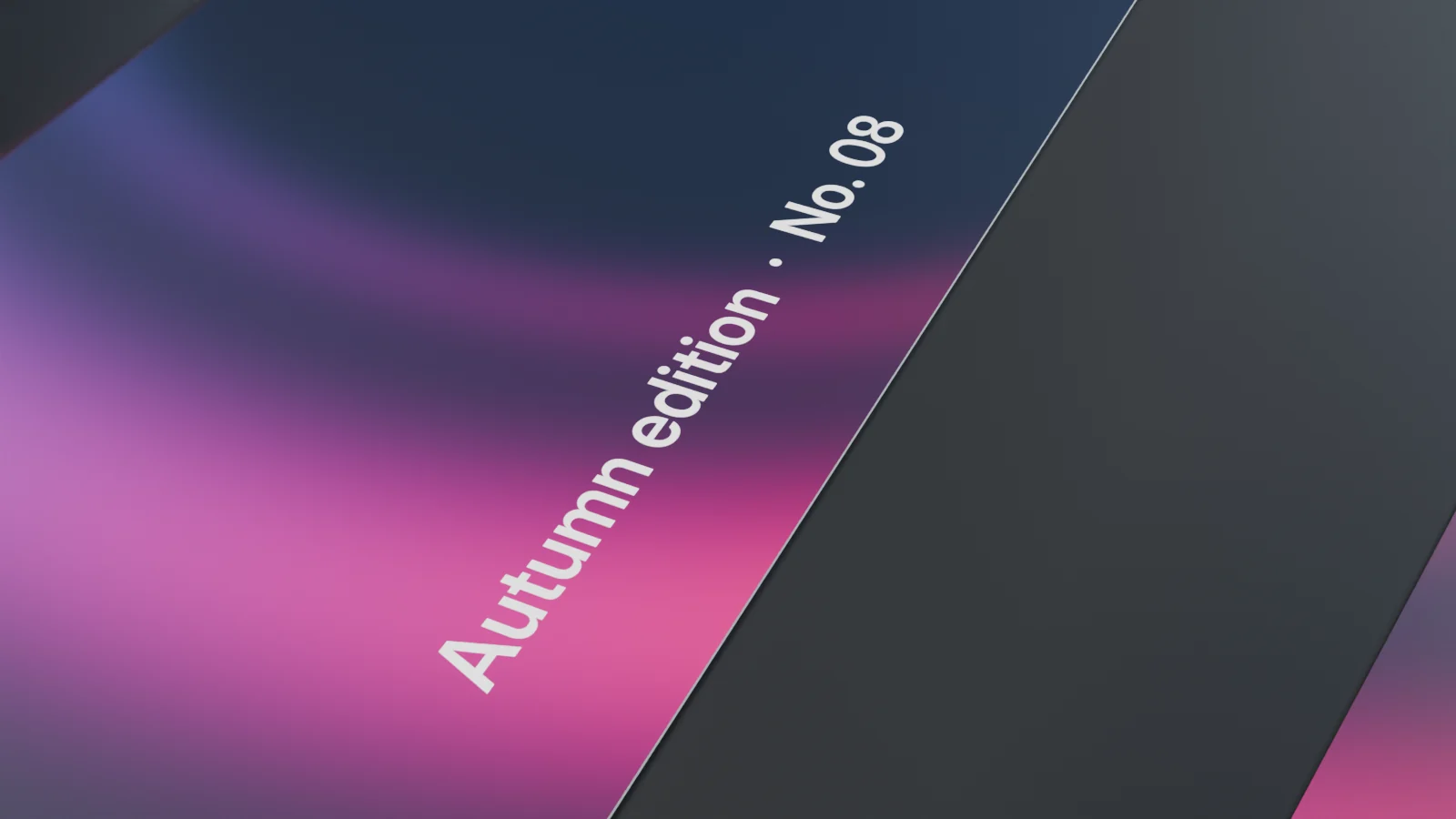
Text 4 mm inside
With a 4 mm safety margin, the same deviation falls in the background. The text stays intact.
The same edge, after trimming.
What your file needs
- 4 mm safety margin. Text, logos, page numbers and every important element stay at least 4 mm inside the trim line.
- 3 mm bleed. Anything that runs to the edge continues 3 mm beyond the trim line, as shown in 3 mm bleed in practice.
- Multi-page work. Near the spine a larger distance is needed, because part of each page disappears into the binding.
Full guide: bleed and safety margins. Before you send, the free PDF check verifies the distance of text from the trim.
Less waste, from the start
A file that is right from the start needs no corrections and no reprint. Less paper, less energy, less waste.
Send us your job specification.
Dimensions, quantity, substrate and number of colours. We reply with a technical proposal and a quotation.